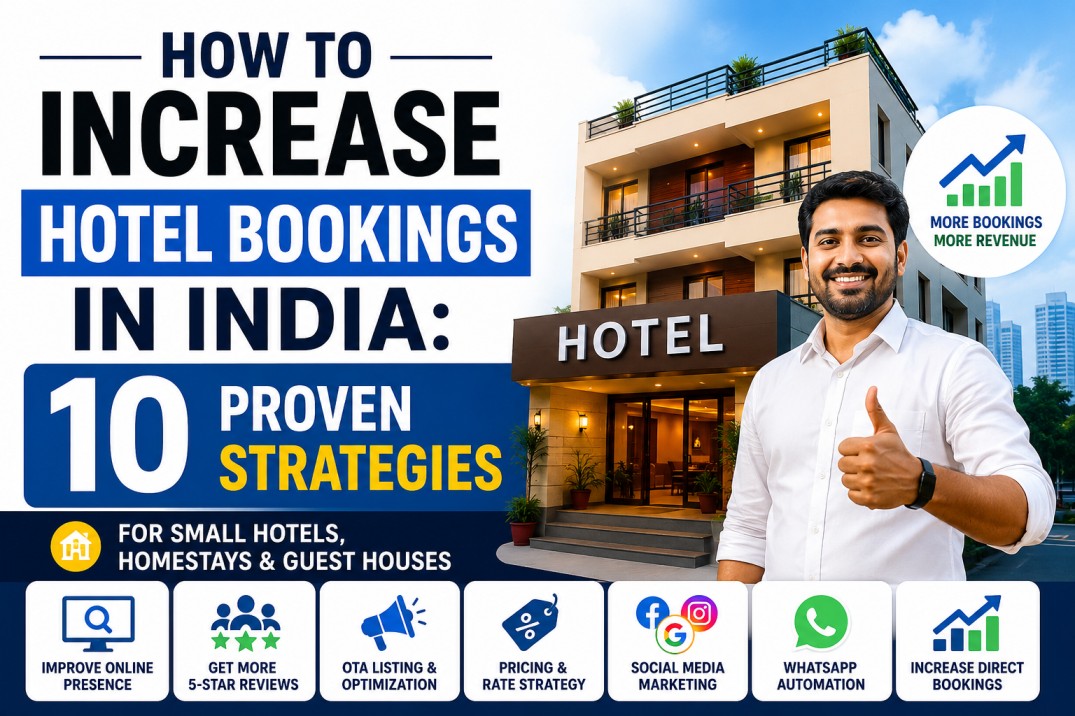

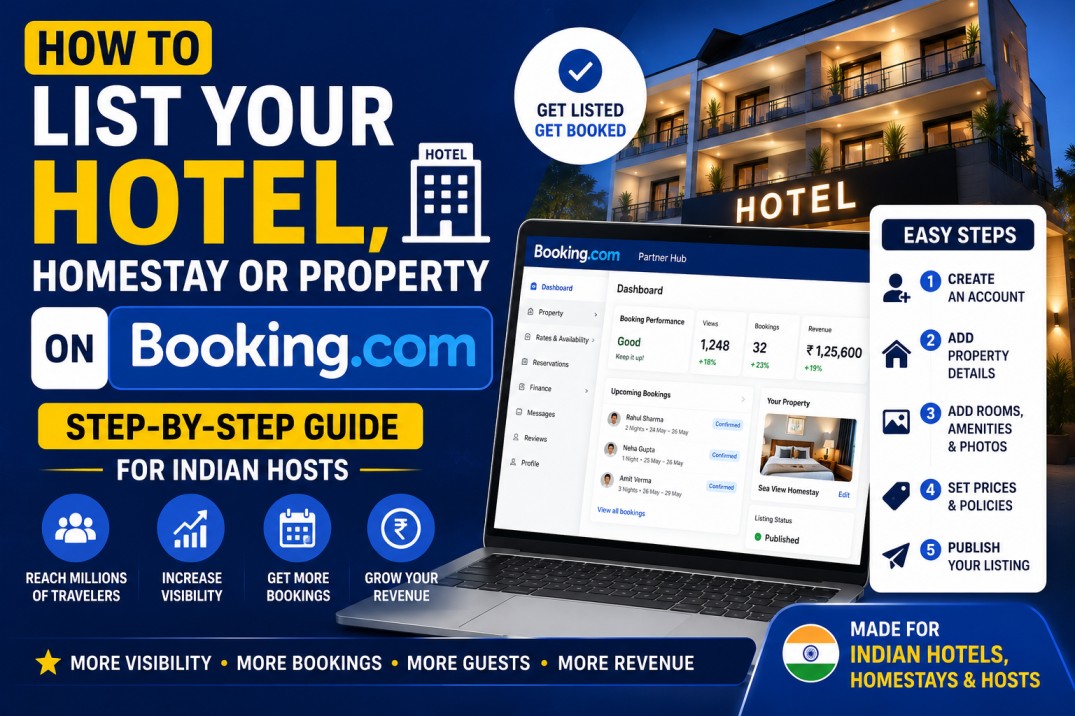
If you own a hotel, homestay, guest house, villa, B&B, or any accommodation property in India, one of the best ways to increase your bookings is to list your property on Booking.com.
Booking.com is one of the world’s largest travel platforms and helps properties reach millions of travellers from India and around the world.
The good news?
The Booking.com property registration process is actually quite simple and you can do it yourself by following this guide.
However, if something goes wrong during registration, verification, or setup, your property may get delayed or even rejected. If you need help at any stage, the MiniHotelMan team can handle the complete onboarding process for you completely free of cost as part of our Channel Manager services.
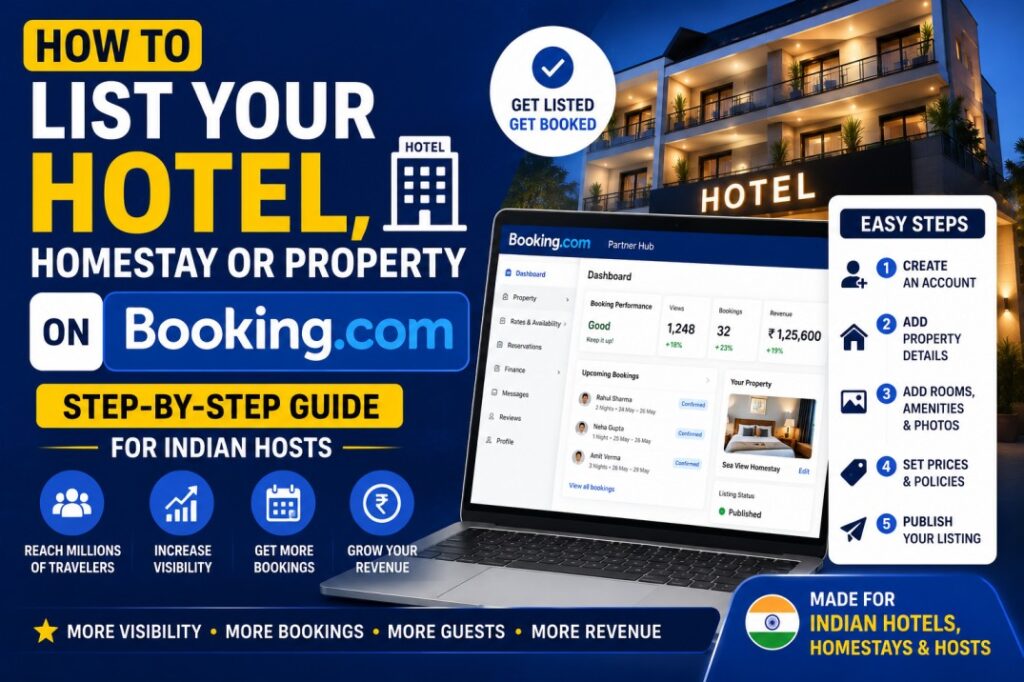
Why Should You List Your Property on Booking.com?
Listing your property on Booking.com helps you:
- Increase your online visibility
- Get more bookings from Indian and international travellers
- Improve occupancy throughout the year
- Build trust with guests
- Grow your revenue
Whether you run a hotel, homestay, guest house, villa, hostel, or B&B, Booking.com can become one of your biggest booking channels.
Documents Required for Booking.com Property Registration
Before starting your Booking.com registration, keep the following details ready:
Basic Details
- Hotel or property name
- Email address
- Mobile number
Property Details
- Types of rooms available
- Number of rooms
- Property address
- Amenities offered
Photos
Booking.com strongly prefers high-quality photos of:
- Rooms
- Bathrooms
- Reception area
- Exterior or facade of the property
- Common areas
Properties with good photos usually perform better after going live.
Identity Documents
If you are registering as an individual:
- Aadhar Card
- PAN Card
If your business is registered:
- GST Number (if applicable)
How to List Your Property on Booking.com
To list your hotel on Booking.com, simply visit:
https://join.booking.com/index.html
Then follow these steps:
Step 1: Create Your Account
Enter your email address and create your Booking.com partner account.
Step 2: Add Property Details
Enter your property name, address, contact details, and room information.
Step 3: Add Amenities
Add all amenities available at your property such as:
- WiFi
- Parking
- Air Conditioning
- Restaurant
- Swimming Pool
- Room Service
The more complete your listing is, the better your chances of attracting bookings.
Step 4: Upload Photos
Upload clear and high-quality photos of your property.
Step 5: Submit for Verification
Once everything is completed, Booking.com’s team will review your application and verify the property.
How Long Does Booking.com Verification Take?
If all documents and information are correct, your property is usually live within 3 days.
However, Booking.com may sometimes request additional verification or clarification before approving your property.
Why Some Booking.com Listings Get Rejected
Most rejections happen because of:
- Incorrect property information
- Poor-quality photos
- Missing documents
- Incomplete amenities
- Verification issues
- Duplicate property listings
Even small mistakes during setup can delay the process.
Simplify Your Booking.com Setup with MiniHotelMan
The registration process is simple, but it can sometimes become tricky, especially if you are listing your property for the first time.
If anything goes wrong, your property may be delayed or rejected.
That’s why many hotel owners prefer to let professionals handle it.
With MiniHotelMan, we can:
- Complete the entire Booking.com registration process
- Handle documentation and verification
- Ensure your listing is properly configured
- Help avoid common mistakes and rejections
And the best part?
This service is completely complimentary with our Channel Manager solution.
You focus on running your property.
We handle the OTA onboarding.
Final Thoughts
If you’re wondering how to list your property on Booking.com, the process is straightforward and can usually be completed within a few days if all information is correct.
But if you want to save time and avoid unnecessary complications, our team is always here to help.
Get in touch with MiniHotelMan today and we’ll help get your property live without the stress.
Frequently Asked Questions
How do I list my hotel on Booking.com?
You can register your hotel directly through the Booking.com Partner Portal by entering your property details, uploading photos, and completing verification, or you can contact MiniHotelMan and we will handle the whole process for free.
Can I list my homestay on Booking.com?
Yes. Booking.com accepts hotels, homestays, guest houses, villas, hostels, serviced apartments, and B&Bs.
Does Booking.com charge a listing fee?
No. Listing your property on Booking.com is completely free. Booking.com only charges commission on completed bookings.
How much commission does Booking.com charge in India?
Booking.com commission in India is generally around 15%, although the final percentage depends on your agreement and property type.
Can I list my property on Booking.com without GST?
Yes. GST is not mandatory for every property and depends on your business structure and applicable regulations.
How long does Booking.com verification take?
In most cases, Booking.com verification is completed within 2-3 days if all information and documents are correct.
How does Booking.com pay property owners in India?
For many Indian properties, Booking.com follows a pay-at-property model where guests pay directly at the hotel and Booking.com invoices the commission separately.
Can Booking.com reject my property registration?
Yes. Properties can be rejected if there are verification issues, incomplete information, duplicate listings, or insufficient documentation.