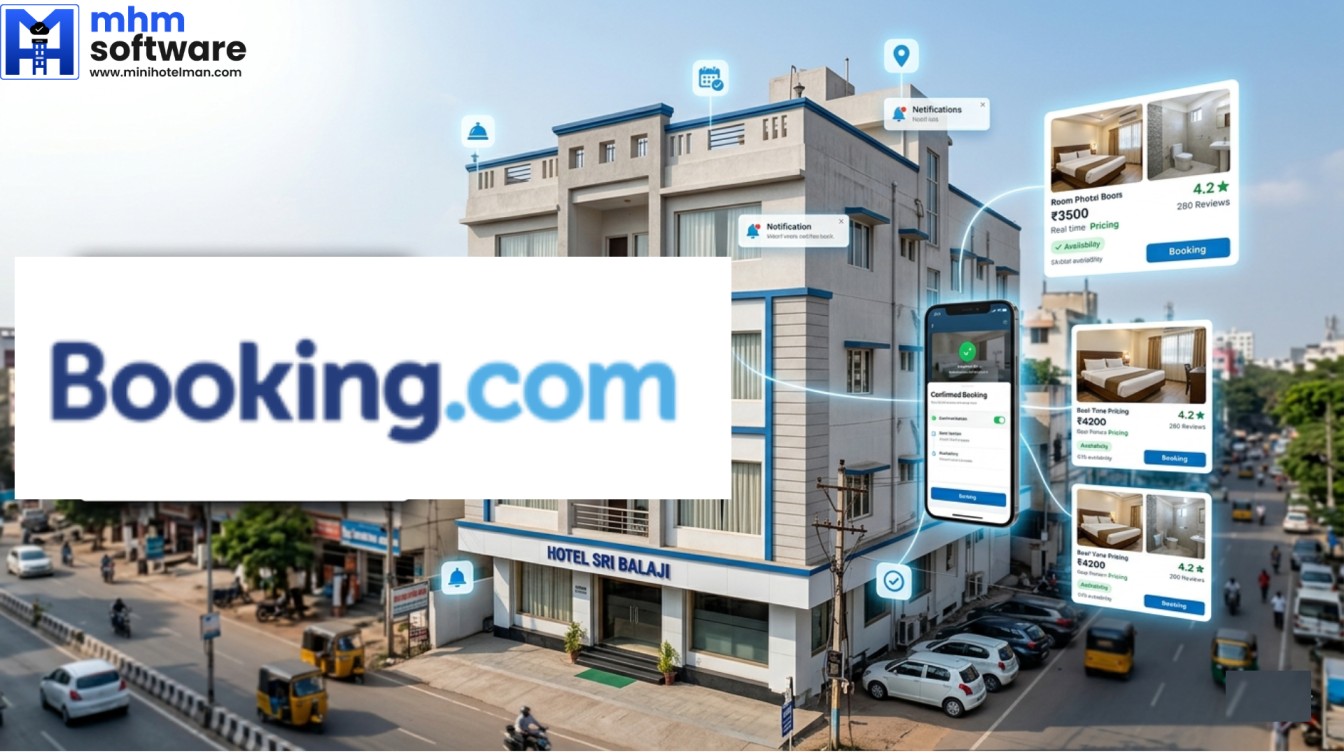
If you run a hotel, guest house, B&B, homestay or any kind of property in India, listing it on Booking.com can help you get high-quality bookings from both Indian and international travelers.
Booking.com is one of the biggest OTA platforms in the world, and being listed there can seriously improve your occupancy and revenue.
The process is actually simple, but if you are doing it for the first time, it can become a bit confusing.
That’s why it is always advisable to go through a channel manager partner like MiniHotelMan, who can get your property listed for you completely free of cost and without any hassle.
Why You Should List Your Property on Booking.com
When you list your property on Booking.com, you get:
- Access to international guests
- Higher-quality bookings
- Better occupancy throughout the year
- Strong online presence
- More trust from travelers
If your hotel is not on Booking.com, you’re missing out on a major revenue channel.
Requirements to List Property on Booking.com
To complete your Booking.com hotel registration, you only need a few basic details:
Basic Details Required
- Hotel / Property name
- Address
- Email ID
Documents Required
- Aadhar card
- PAN card
- GST (optional)
Property Content
- Good quality photos (rooms, reception, facade)
- Room types
- Amenities
That’s it. No complicated paperwork.
How to List Your Property on Booking.com (Step-by-Step)
If you want to do it yourself, here’s how you can list property on Booking.com:
Go to: https://account.booking.com/
Steps:
- Create your account on the Booking.com extranet
- Add your property details
- Fill in personal and business information
- Upload photos of your property
- Add room types, pricing, and amenities
- Complete verification process
- Go live once approved
Important Things to Know (Very Important for New Hoteliers)
This is where most people make mistakes.
1. Verification Can Be Tricky
Booking.com may ask for:
- Property location verification
- Additional checks
This can delay your listing if not done properly.
2. Duplicate Listings Are Not Allowed
Booking.com does not allow duplicate properties.
If your property already exists on their platform:
- You should not create a new account
- You need to get access to the existing extranet
Many new hoteliers make this mistake and face rejection.
3. First-Time Setup Can Be Confusing
Even though it looks simple, people often struggle with:
- Correct room setup
- Pricing
- Policies
- Verification issues
This is why many listings get delayed or rejected.
The Smart Way: Get Listed Through MiniHotelMan
Instead of figuring everything out yourself, you can take help from MiniHotelMan (MHM).
We help you:
- Create or access the correct Booking.com account
- Avoid duplicate listing issues
- Handle verification properly
- Set up your property correctly
- Get you live faster
And yes, this service is completely complimentary
You don’t have to deal with confusion or risk rejection.
Bonus: Grow Beyond Just Booking.com
Listing on Booking.com is just the beginning.
With MiniHotelMan, you can also:
- List on multiple OTAs like MakeMyTrip, Goibibo, Agoda, Expedia, Brevistay, EaseMyTrip, AirBNB etc
- Manage everything through one system
- Avoid overbookings with Channel Manager
- Get direct bookings through Booking Engine
- Manage operations through PMS
So you don’t just get listed, you actually start growing your hotel business online.
Final Thoughts
If you’re searching for how to list property on Booking.com, the process is simple in theory but can become tricky in real life, especially for first-time users.
The safer and smarter option is to go through an experienced partner like MiniHotelMan and get everything done smoothly.
If you want to get your property live on Booking.com and start getting quality bookings, you can reach out to us and we’ll handle the entire process for you.
Frequently Asked Questions (FAQ’s)
1. What percentage does Booking.com charge in India?
Booking.com commission in India is generally around 15%, but it can vary depending on your property, location, and agreement. The final commission is decided by Booking.com during onboarding.
2. How can I make my property live on MakeMyTrip or Goibibo?
You can check our detailed step-by-step guide here: https://www.minihotelman.com/how-to-list-your-hotel-on-makemytrip-step-by-step-guide-for-indian-hoteliers/
3. Does Booking.com charge a listing fee?
No, Booking.com does not charge any listing fee. You can list your property for free and only pay commission on confirmed bookings.
4. Is Booking.com better than Airbnb for hosts?
Not really. Both platforms have their own advantages. Booking.com works well for hotel-style bookings, while Airbnb is more popular for homestays and unique properties.
Ideally, you should list your property on both platforms to maximise bookings. We can help you do that for free.
5. How does Booking.com pay property owners?
In India, Booking.com mostly follows a pay-at-hotel model. This means guests pay directly at your property, and you receive the full amount.
At the end of the month, Booking.com sends you a commission invoice for the bookings they generated.
6. Is there GST on Booking.com commission?
Yes, GST is applicable on Booking.com commission as per Indian tax regulations.